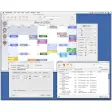
Your friendly task manager
Task Coach will take care of all your pending tasks, as well as important dates and meetings, so that you never forget any of them again and you can also prepare them ahead of time.
Top Recommended Alternative
.png)
By organizing your tasks in a better way with Task Coach, you'll notice an increase in your productivity, making use of your time in a more optimized way and therefore gaining time for other tasks - or to enjoy your hobbies once work is over.
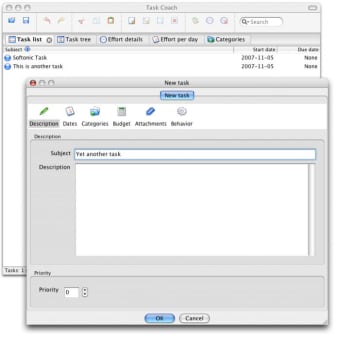
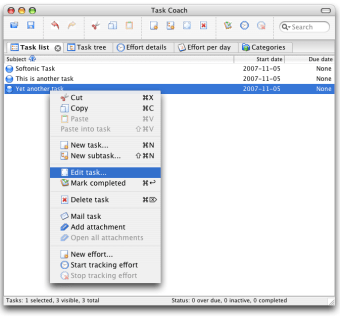
The tasks in Task Coach can be organized in categories and seen as list or tree structure. They can also be configured separately, which means that each one of them will have its own title, description and percentage of effort that has been applied on its completion.
Plus, Task Coach can be run from a removable USB device, so you can take it anywhere with you. If you don't have your USB memory stick with you, then you can always export the task list to HTML.
It would have been nice to have more exporting formats in Task Coach, as well as other small tools we missed like task reminders. But these are just little details that we can forgive in such an useful application.
Use Task Coach and improve the way you organize tasks. Boost your productivity and save time!
Changes
When importing a CVS file, Task Coach would not always guess the day/month order correctly. It is now possible to specify whether days or months come first in date columns. Unchecking an already checked mutually exclusive subcategory would uncheck it, but not change the filtering. The calendar configuration dialog wouldn't open. Saving could fail after a reminder was first snoozed and then later the reminder dialog was closed without snoozing. Using the Delete key when editing the priority inline would delete the task. Using the Enter key when editing the priority inline would not accept the changes on Mac OS X. Fix issues in Italian translation.










.webp)
.webp)